
For people who write in Obsidian
Your notes
become a site .
.
Blup takes a folder of your Obsidian vault and turns it into a blog or a product site: fast, good looking and published for free. You just write. Even offline.
curl -fsSL https://raw.githubusercontent.com/gabriellsalesx/blup/main/install.sh | sh
irm https://raw.githubusercontent.com/gabriellsalesx/blup/main/install.ps1 | iex
Then run blup and answer the questions.
- $0.00
- Works offline
- No server
- English and Portuguese






One question at a time
No commands to memorize.
Just answer.
Run blup and it talks to you: which vault, which folder, which theme. Every question comes with a suggested answer. When in doubt, press Enter.
blup newcreates the siteblup previewlive preview that updates itselfblup publishputs it onlineblup synckeeps your notes on GitHubblup customizemenu, logo, domain, authors
Prefer Portuguese? Every command also works that way: blup novo, blup publicar, blup sincronizar…
Three steps
Write, check, publish.
-
1

Write in Obsidian
Just like always. Every note becomes a page, every folder becomes a section.
- Properties become date, tags and cover
- Drag in images, link between notes
- Callouts, math and comments
-
2

See the preview
blup previewopens the site in your browser. Save a note and the page changes right away.- Works without internet
- Shows your drafts too
- Search already working
-
3

Publish for free
blup publishand you're done. Cloudflare Pages or GitHub Pages, without paying a cent.- Sends only what changed
- Free address or your own domain
- No server to look after
-
Your site is online.
That's it.
Truly offline
No internet?
Write anyway.
Your notes live on your computer, as Obsidian files. Write on a plane, at the cabin, on the subway. The preview works offline. When you're back online, blup sync sends everything to a private GitHub repository of yours, and you pick up on another computer.
- No git, no scary terminal
- Edited on both sides? Both versions are kept
- Nothing just vanishes: deleted notes go to a trash folder
Write a few notes, then turn the internet on.


How much is it?
Nothing. Zero.
Zilch.
Blup is free and open source. So is the hosting: your site goes to Cloudflare Pages or GitHub Pages, which don't charge for it.
- Blup
$9/mo$0 - Hosting
$5/mo$0 - Site search
$4/mo$0 - HTTPS certificate
$3/mo$0 - Total$0.00
The crossed-out prices are just for fun. The only possible cost is a custom domain, if you want one.
Features
A whole crew
working for you.
While you write, the blups do the boring work. Hover to meet each one.

Light images
Every image becomes WebP in several sizes. The browser downloads only what it needs.
Site search
Real search across every page, with no server and no paid service.
Password posts
One property and the post is locked and encrypted. Not even the page source gives it away.
Google and socials
Title, description, sitemap and a share image for every page, all on their own.
Light and dark
Follows the visitor's system, or their own choice. No flicker.
Authors
One note per person, with photo, role, links and bio. Posts with several authors.
The Obsidian way
Callouts, math, footnotes, tasks and
%%comments that never reach the site.Your domain
Want
mysite.com? Blup connects the domain and tells you the exact DNS record to create.





Two themes
A blog or a product site.
Both come with a complete example site that teaches you how to use Blup. Open the notes, see how it was made, swap in your own content.



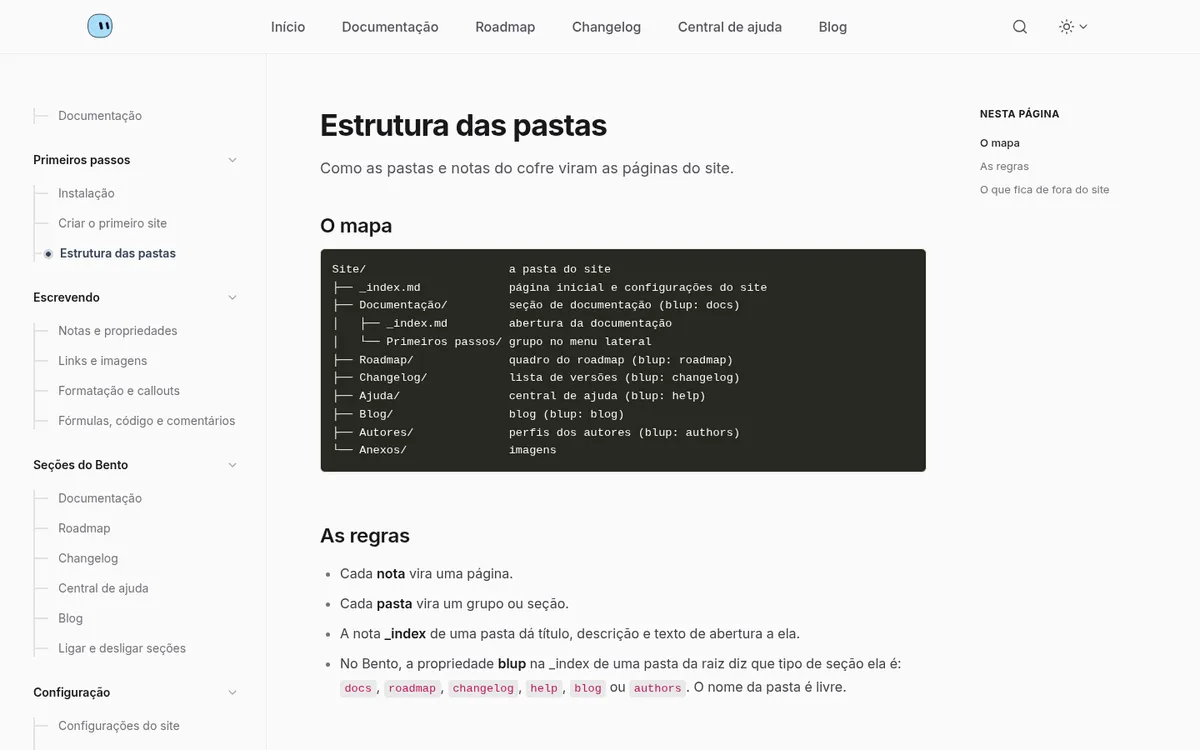
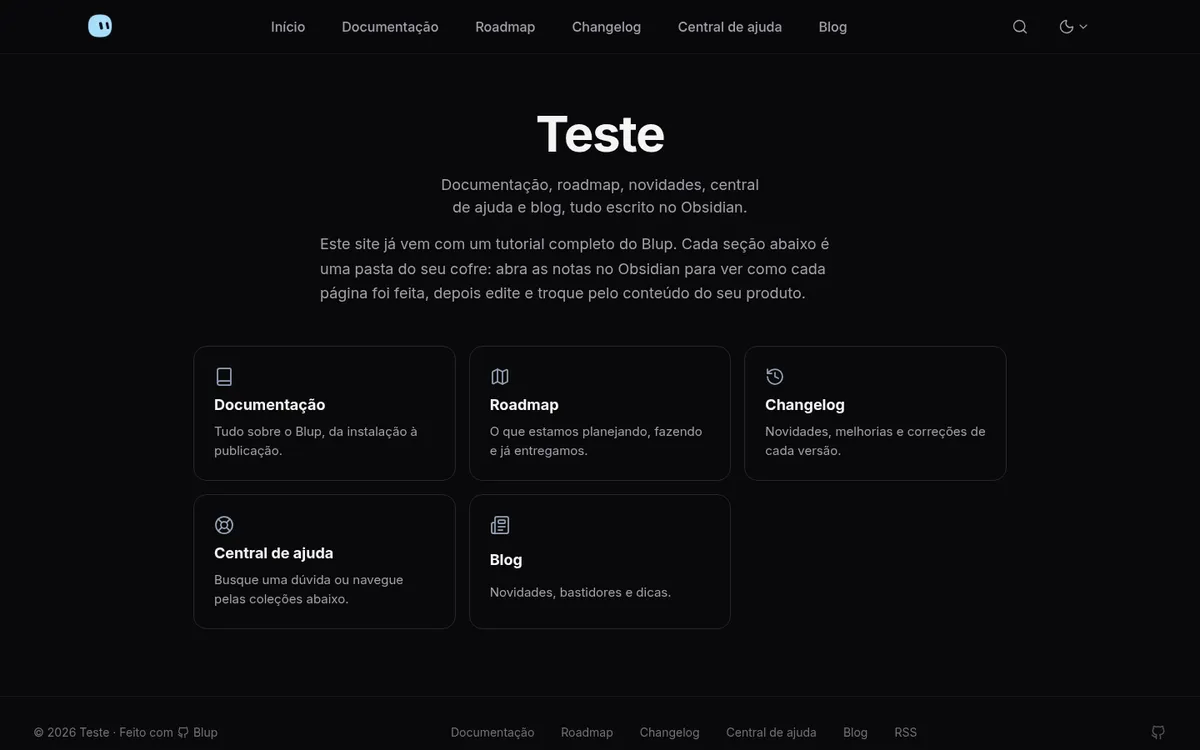
See Bento live: our docs are built with it
- Featured post and a grid of posts
- Tags, authors and related posts
- Table of contents, reading bar and sharing
- "Load more" posts
- Docs with a sidebar
- Roadmap board and changelog
- Help center with icons and search
- Blog with the Mochi look
Questions
Anything else on your mind?

Is it really free?
Yes. Blup is open source and free, and your site is hosted for free on Cloudflare Pages or GitHub Pages. Only a custom domain costs money, and it's optional.
Do I need to know how to code?
No. You install it with one command and Blup asks one question at a time, each with a suggested answer. Everything else happens in Obsidian.
Does it work without internet?
It does. You write and see the preview on your computer. You only need internet to publish and to sync your notes with GitHub.
Does it run on Windows, Mac and Linux?
On all three. On macOS and Linux you install it from the Terminal; on Windows, from PowerShell.
Where do my notes live?
On your computer, in your Obsidian vault, as Markdown files. If you use sync, a copy goes to a private GitHub repository of yours. Blup keeps nothing on a server of its own.
Can I use my own domain?
Yes. In blup customize, pick Custom domain: Blup connects it and shows you the DNS record to create.
What if I want to stop using it?
Your notes are still Obsidian notes, and the site is generated with Hugo, an open tool. Nothing is locked into Blup.
Does it speak Portuguese?
Yes. Blup, its themes and the example sites come in English and Portuguese, and the commands work in both languages.
Ready to turn your
notes into a site?
curl -fsSL https://raw.githubusercontent.com/gabriellsalesx/blup/main/install.sh | sh
irm https://raw.githubusercontent.com/gabriellsalesx/blup/main/install.ps1 | iex